The shop is open: order the MeterWatch sensor online →

Live prepaid meter monitoring

See what your electricity costs, as it happens.

With a MeterWatch sensor on your prepaid meter, you see the cost per hour, how much power you're drawing, and when your units will run out, updated every 30 seconds. The card shows a sample Harare home.

30slive updates
WhatsAppalerts and support
A home in Harare · sample data
Live
Costing right now
$—/hr
— a day at this rate
— drawing
—
——
— units left
Simulated home. Your own meter shows real readings. Get this for your meter →

How MeterWatch works

From your meter’s flashing light to your phone or browser.
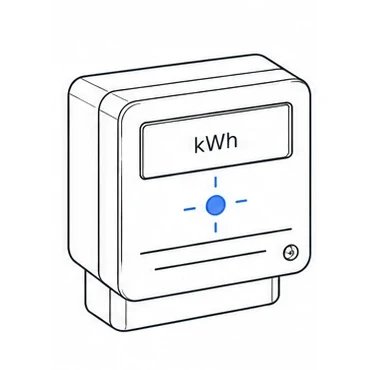
  1. 1. Meter flashes

    The pulse light flashes as electricity is used.
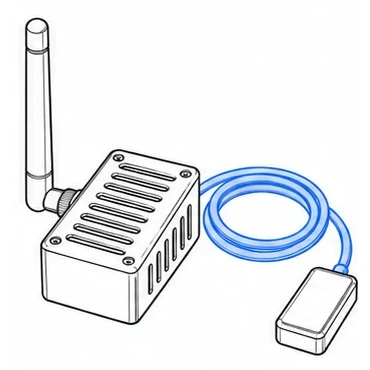
  2. 2. Sensor counts

    The optical sensor detects and counts those flashes.
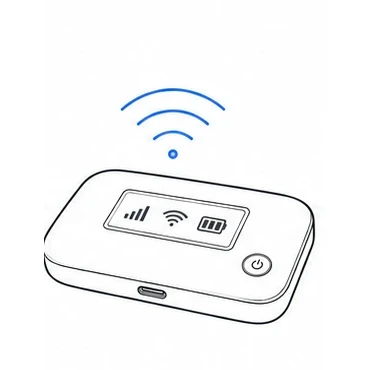
  3. 3. Wi-Fi sends

    Home Wi-Fi or a MiFi sends readings via the internet.
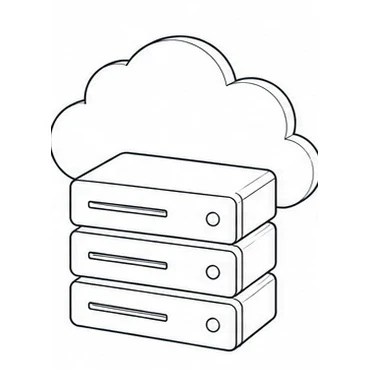
  4. 4. Server stores

    MeterWatch stores and processes the readings.
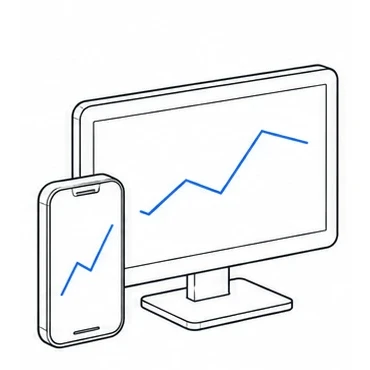
  5. 5. You view

    See your usage in the mobile app or web app.

Energy used (kWh) = flashes counted ÷ the meter’s imp/kWh rating

The sensor needs Wi-Fi with internet access to send readings to the server.

Buy the sensor

Know when you'll run out

MeterWatch works out how long your units will last at your current use, and warns you before the lights go off.

Low-balance alerts

Get a WhatsApp, SMS, email or app notification when your balance drops low or your units are about to expire.

Device detection Coming soon

See what's switched on in your home

We're teaching MeterWatch to pick out appliances from the shape of your meter's load, with no smart plugs and no extra hardware. Here's a preview using the sample home.

——
Illustration · not live data

On now

Off

Match scores will show how closely the load pattern fits each appliance.