Before you buy.
Five checks to make sure the MeterWatch sensor suits your meter and your home.
What the sensor measures
Your meter has a small light that flashes as you use electricity. The sensor sits over that light and counts the flashes. MeterWatch turns the count into kilowatt-hours (kWh) using the imp/kWh number printed on your meter, then shows your usage in the app.
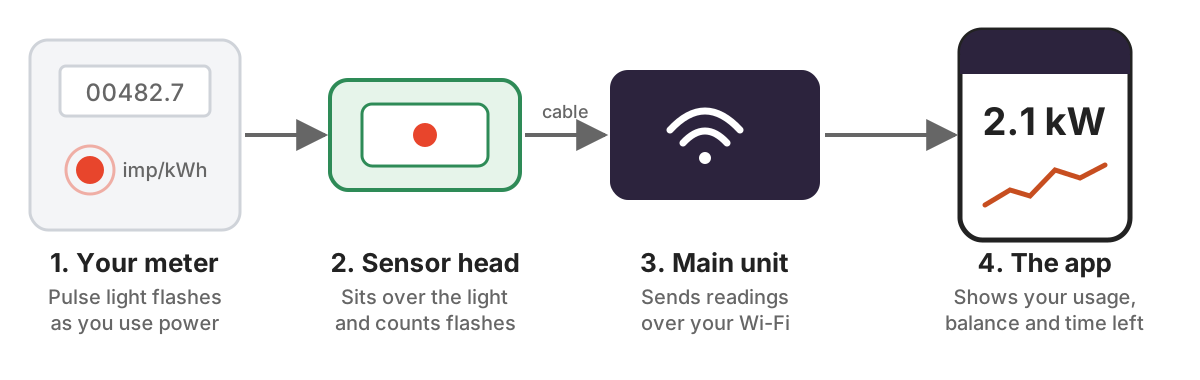
From the flashing light on your meter to your phone.
What you need
- A supported meter
A flashing pulse light and an imp/kWh rating on the front. Any meter with a pulse light works.
- Wi-Fi with internet
The signal must reach the spot beside your meter. To test, stand at the meter and open a website on your phone. A MiFi or phone hotspot works too.
- A power socket
The main unit runs from the USB charger in the box, plugged in near the meter. You can extend it with an ordinary USB extension cable.
- Cable reach
The sensor head connects to the main unit by a cable, so the unit must sit within reach of the meter. If it doesn't, add the extension.
- A MeterWatch plan
Live readings need the Live or Intelligence plan, which costs a monthly fee. See the FAQ for prices and what happens when a plan ends.
What's in the box
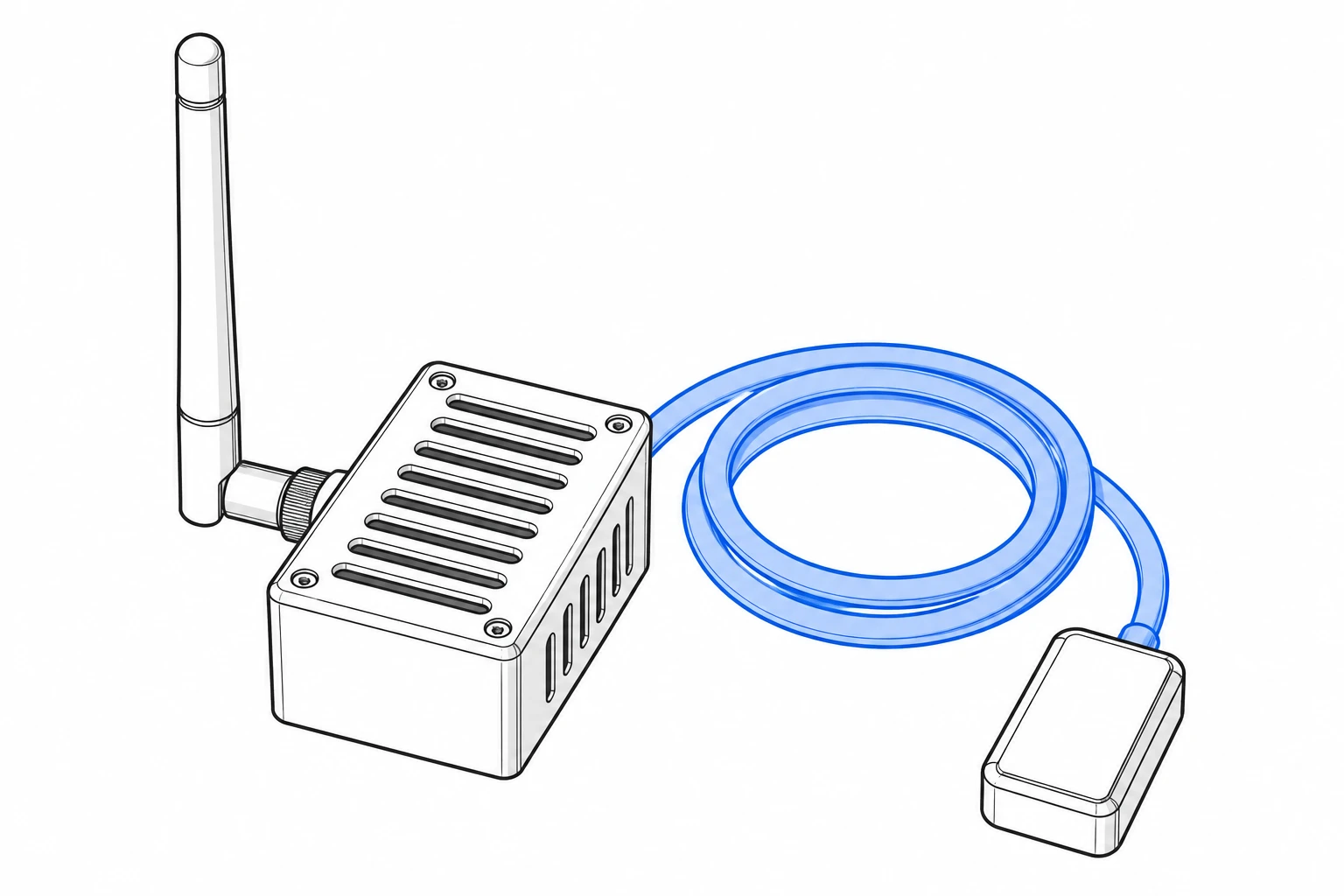 MeterWatch sensorSensor head, cable and main unit. Your sensor ID is printed on it.
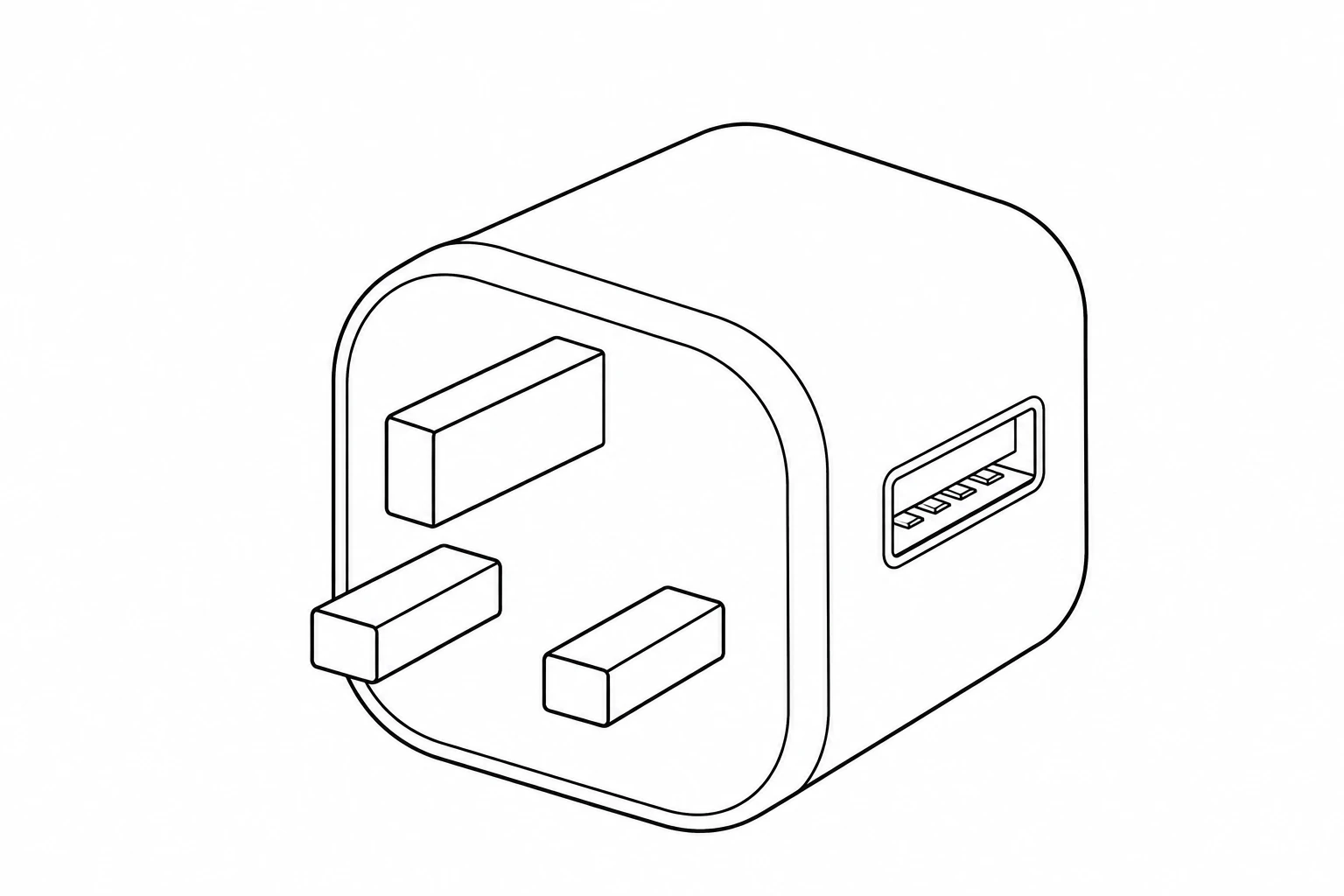 USB chargerPowers the main unit from a normal socket.
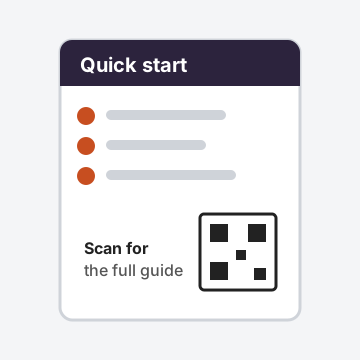 Quick-start cardNumbered steps and a QR code for the full setup guide.
Optional extras
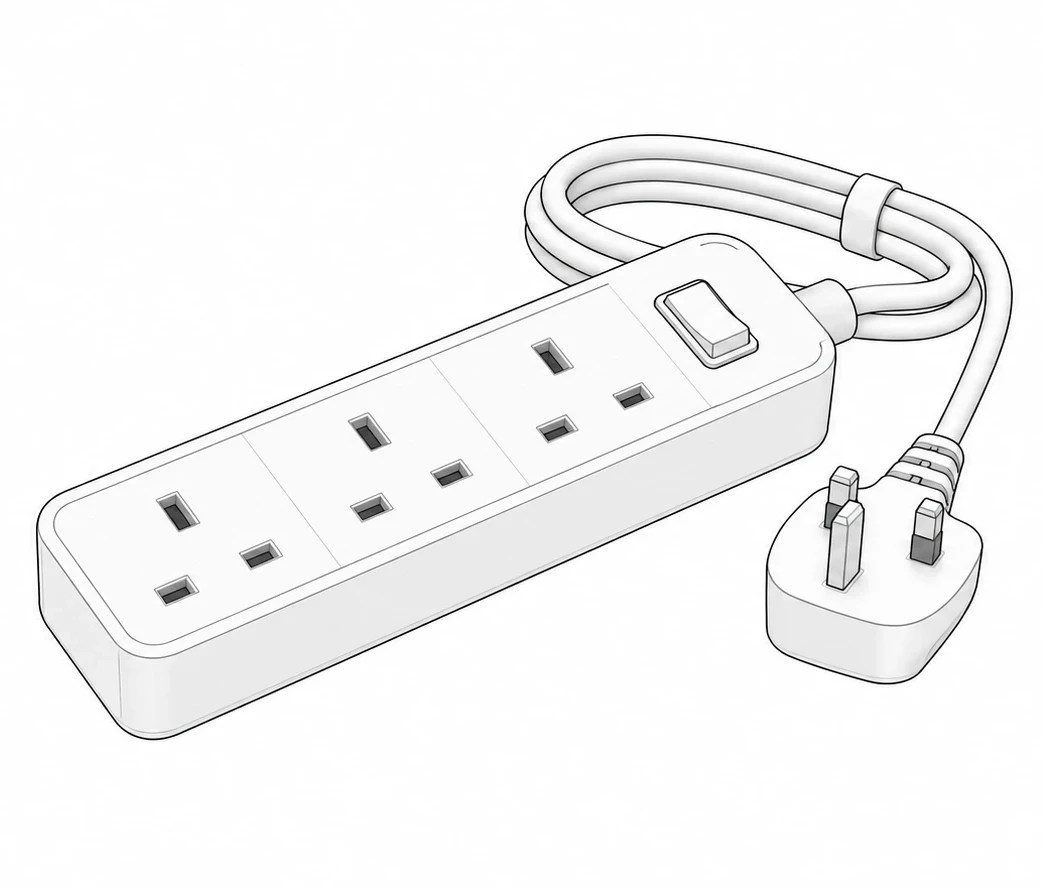 ExtensionAdds cable length when the main unit can't sit close to the meter.
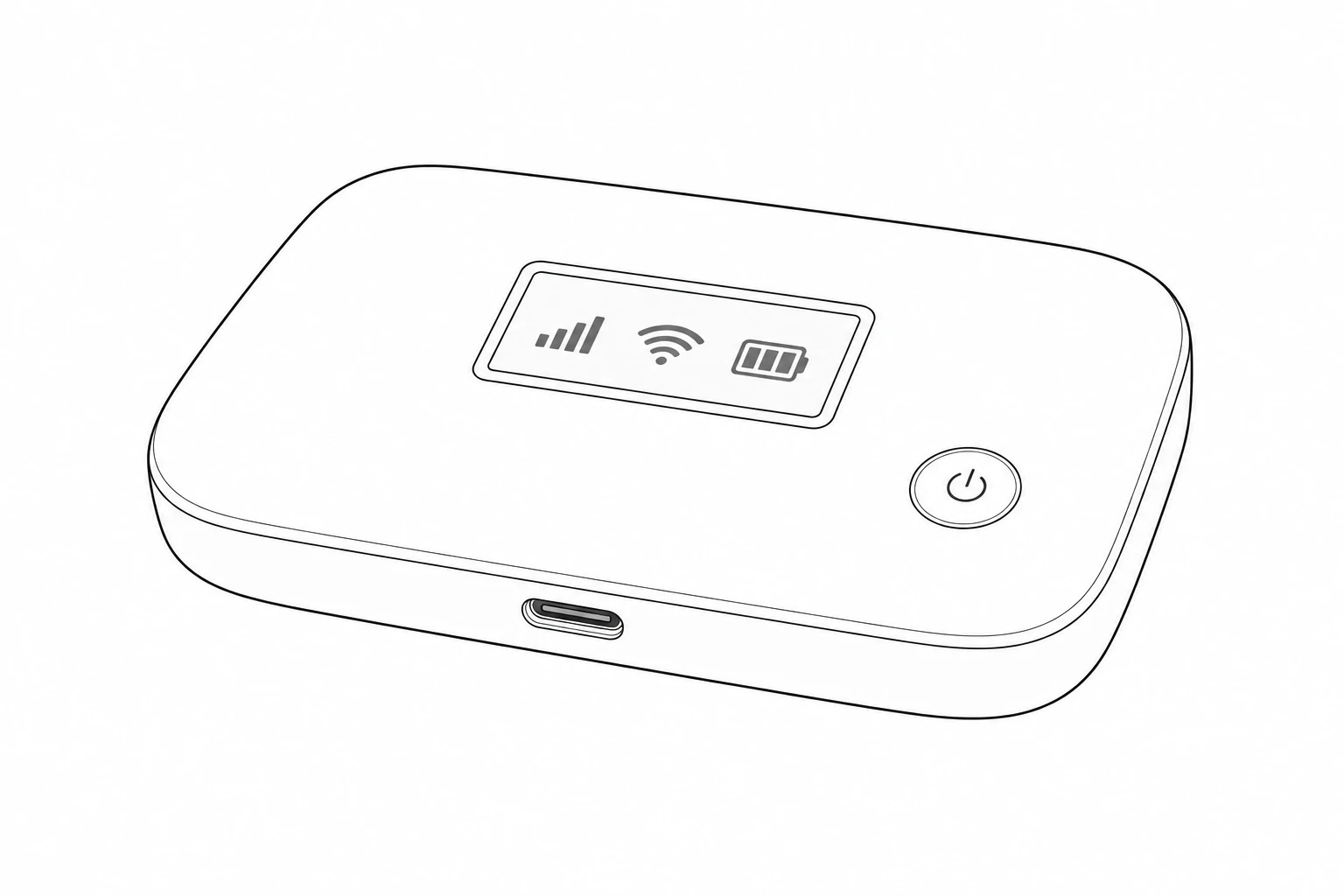 4G LTE MiFi routerGives the sensor its own mobile connection. SIM and data aren't included.
See current prices in the shop.
Ready?
Not sure your meter is supported? Send a clear photo of the whole meter and we'll tell you before you buy.